Getting Started in Chess Club
Join the lobby, pick a board, play your first games, and learn the club tools without wasting time.
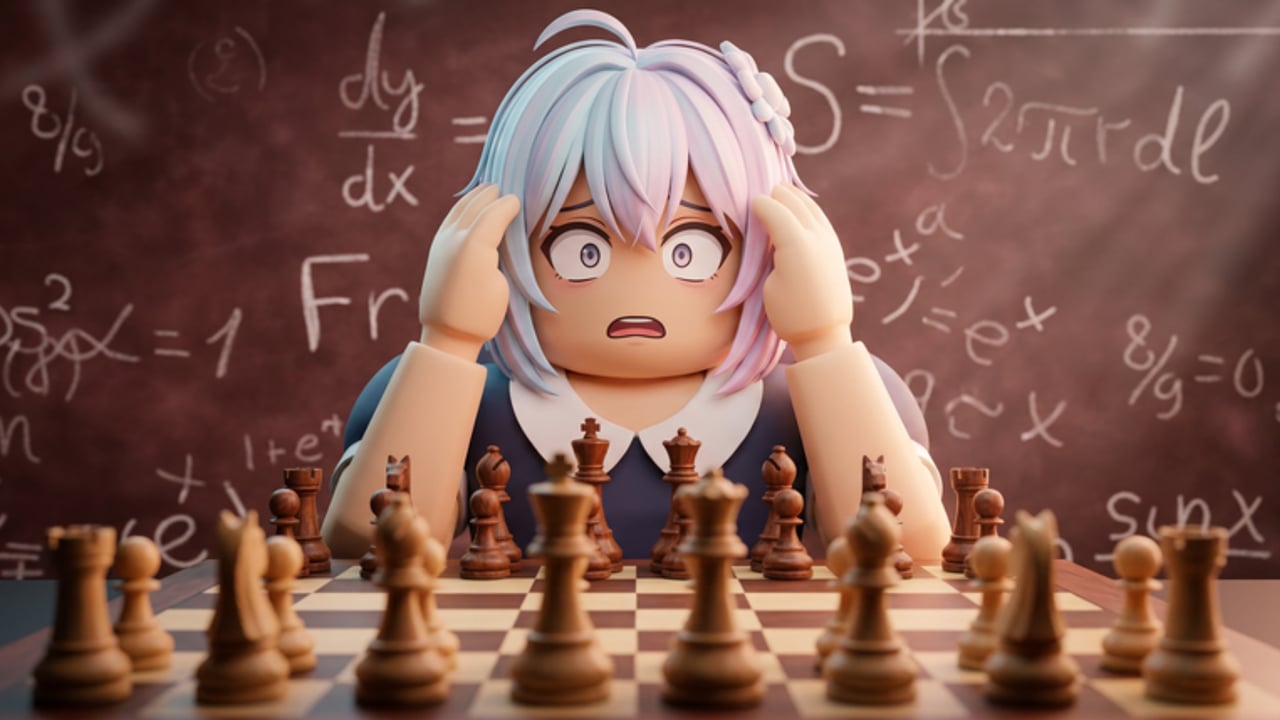
Chess Club by Aureus Chess Club is a free Roblox chess experience built around a full playing hall, rated ladders, AI practice, lessons, and cosmetic boards. This day-one guide gets you from join to first wins without drowning in menus. Bookmark the Guides Hub and skim Ratings Explained once you start climbing.
Join the lobby and look around
Open Chess Club from Roblox and load into the club map. You spawn in a realistic hall with tables, boards, and other players creating challenges. Take a short walk before queuing so you learn where matchmaking, leaderboards, settings, and the tournament area sit. Servers hold dozens of players, so open challenges appear constantly—especially in Bullet and Blitz.
You earn the free You Played badge just for joining. Treat the first visit as orientation: find the server browser or challenge list, open settings, and decide whether you prefer a flat 2D board or a tabletop 3D view. Either mode plays the same chess rules; the choice is comfort and clarity. Details on piece sets, arrows, and the ; commands panel live in Controls and Boards.
Casual versus ranked on day one
Chess Club offers casual games and ranked games across Bullet, Blitz, and Rapid. Casual is perfect for warm-ups, friends, and experimenting with openings. Ranked updates your rating for that time control and feeds the leaderboards. New accounts often show provisional ratings near 1000 (especially after the Spring rating reset), so early results swing more until the system gains confidence in your strength.
Day-one recommendation:
- Play one or two casual games to confirm mouse or touch input feels right.
- Try a short AI game or the new tutorial if you are rusty (see How to Beat AI).
- Queue Blitz ranked once you can finish a game without panic-flagging.
- Save pure Bullet for when premoves and mouse speed feel natural.
For deeper ladder advice—challenge creation, rematches, and tilt control—read the Ranked Guide. Historically, top-10 leaderboard spots have sat around the mid-1400s depending on the pool, so treat early climbing as skill building, not a race to the board overnight.
First AI lesson and badges
AI opponents exist so you can practice without rating pressure. Use easier levels to learn piece movement, checks, and basic mates. Step up difficulty when you win comfortably. Checkmating an AI opponent unlocks the Defeat AI badge, which many players chase early. Lessons and the Spring tutorial (beta) help if you are brand new to chess; skip straight to human games if you already know the rules.
Practice goals for the first session:
- Castle once on purpose and notice king safety.
- Spot hanging pieces before you move.
- Play a full game to checkmate or resignation instead of quitting early.
- Review the PGN or game explorer after a loss when available so you see where the position turned.
Settings that matter immediately
Open settings before a long ranked session. Confirm board orientation (White at the bottom when you play White), sound volume, and whether you want highlights or arrows on the 2D board—features expanded in the Spring Update. On mobile, enlarge touch targets mentally: tap the piece, then the destination square deliberately. On PC, a mouse is far better than trackpad for Bullet.
Also learn the ; commands panel early. Spring update moved many commands into a panel triggered with semicolon so you spend less time typing chat commands mid-lobby. Use it for quality-of-life actions rather than cluttering public chat.
Premium, cash, and cosmetics
Chess Club is free to play. Premium memberships historically advertise benefits such as about 20% more cash, which helps unlock cosmetic piece sets and board styles faster. Cosmetics never change the rules or rating math—buy them only if you like the look. After major patches, some memberships may need support restoration; if a Premium perk disappears after an update, contact the developers through official Roblox group channels rather than third-party sellers.
Codes sometimes appear for free rewards. Check the Codes page before long sessions so you do not miss limited redemptions. Redeem only in the official in-game flow.
Scripts and fair play (read carefully)
Chess Club advertises anticheat and chess-bot detection. Using engines or automation in rated games risks bans and ruins the ladder for everyone. If you explore the Scripts Hub for UI helpers or auto features discussed by the community, treat anything that plays moves for you in ranked as unsafe and against the spirit of the club. Prefer studying openings from the Openings Tier List and improving your own calculation. Auto-play tools covered under Auto Play Scripts are not a substitute for learning—and they can get accounts punished.
Suggested first-hour checklist
- Join, claim the play badge mindset, open settings.
- Pick 2D or 3D and a clear piece set.
- Win or finish one AI game; chase Defeat AI if you want the badge.
- Play two casual human games.
- Start ranked Blitz; note your separate Bullet / Blitz / Rapid ratings.
- Say GG, rematch only when both players want it, and stop after a tilt loss streak.
- Skim Time Controls so you know which clock fits your style.
- Peek at Tournaments for when events return after temporary disables.
- Return to this wiki via Wiki when patch notes drop.
Common beginner mistakes
- Jumping straight into Bullet while still misclicking pieces.
- Ignoring king safety to chase free pawns.
- Playing endless rematches against a much stronger opponent without learning from the PGN.
- Buying Premium expecting rating boosts—cosmetics and cash bonuses do not raise Elo by themselves.
- Quitting lost positions that still have swindle chances; finish games for pattern memory.
What to study next
After your first session, deepen one topic at a time. Use the Ranked Guide for ladder habits, How to Beat AI for practice ladders, and Controls and Boards to refine your board setup. When you care about openings, browse the Tier List hubs. Keep sessions short and focused: three serious games with review beat twenty mindless Bullet losses.
Chess Club rewards patience, clear boards, and respectful lobby etiquette. Learn the hall, protect your rating from tilt, and build one good habit per day—then the leaderboards become a milestone instead of a mystery.
Frequently Asked Questions
Quick answers to the most common Chess Club questions.
Should I start with casual or ranked in Chess Club?
Start with one or two casual games to confirm controls, then move to Blitz ranked. Save Bullet until you rarely misclick, and use AI when you want zero rating risk.
Do I need Premium to enjoy Chess Club?
No. The full chess experience is free. Premium mainly speeds cosmetic cash and similar perks; it does not grant free rating points.
Is 2D or 3D better for beginners?
Most beginners see tactics faster on 2D. Use 3D if you love the tabletop look. You can switch later in settings—see Controls and Boards.
Where do I redeem codes?
Use the official in-game code entry when available and check the Codes page on this wiki for working lists. Never share account login details with code sites.
Are scripts allowed?
Automation that plays chess for you can trigger anticheat. Stick to fair play in ranked. Read Scripts Hub only for context and avoid engine assistance.